

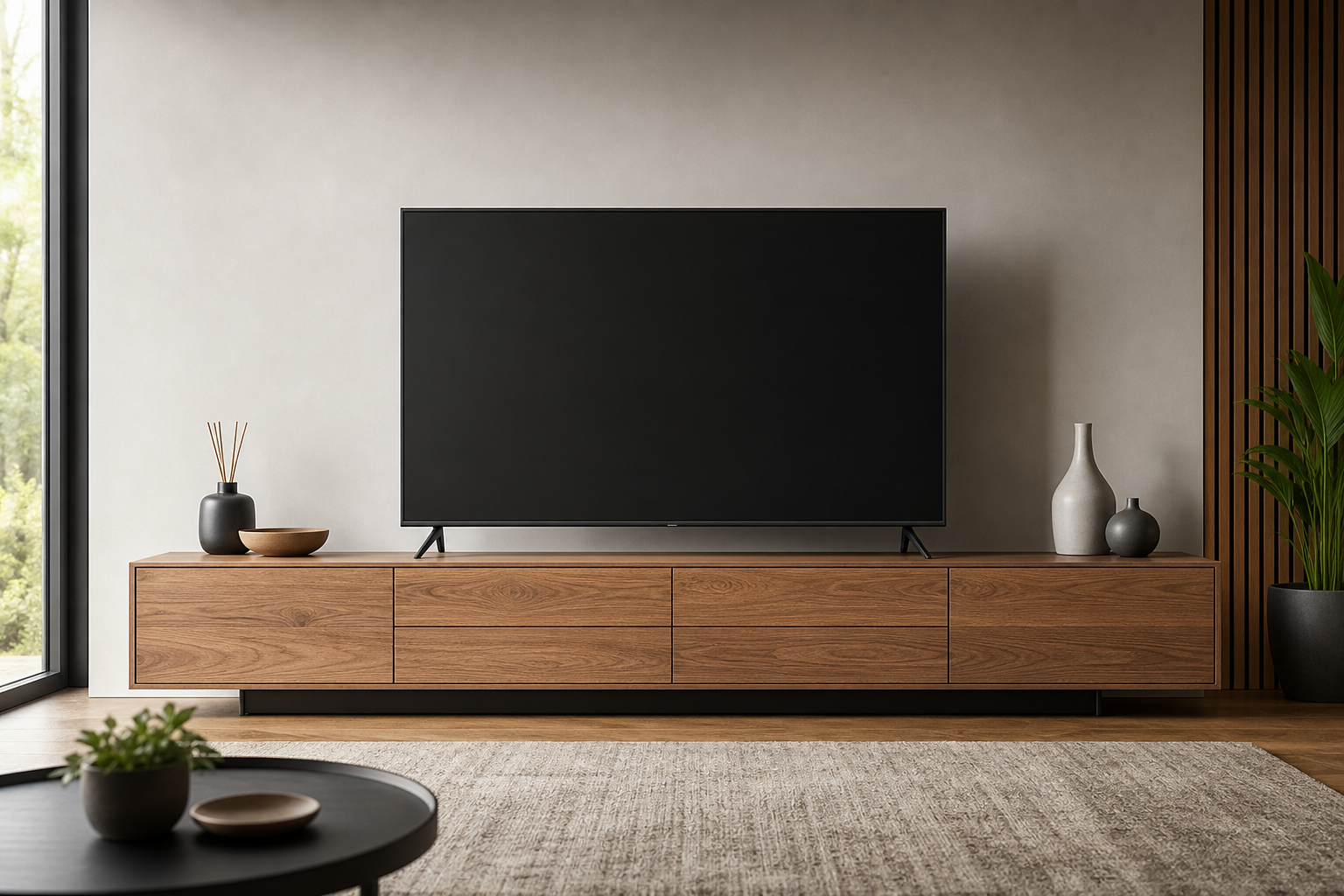
A Practical Guide to tv Stand Size Guide
Picking the right TV stand size is about more than matching widths. It affects viewing comfort, cable management, speaker placement, and overall room flow. This practical guide gives you a simple, repeatable method to size a stand that looks balanced, fits your space, and supports your equipment safely.
How to measure your space (start here)
Before comparing product specs, capture a few room and TV measurements you can rely on. Keep a tape measure, painter’s tape, and a notepad handy.
- Measure the wall span: Measure the usable wall width where the stand will sit. Subtract any clearance needed for doors, vents, radiators, or baseboard heaters.
- Confirm floor footprint: Mark the maximum allowable width and depth on the floor with painter’s tape. Leave at least 2–4 inches of breathing room from adjacent furniture for easy access and to avoid a cramped look.
- Note outlet and cable locations: Identify where power, Ethernet, and antenna/coax enter. Plan for a stand with openings or a gap for routing without sharp bends.
- Check sightlines: From your main seats, confirm the TV location won’t be blocked by lamps, arms of sofas, or tall decor.
- Measure seating height: Measure seat height (floor to where you sit). You’ll use this to pick a comfortable stand height.
Understanding TV vs. stand dimensions
TV sizes are quoted by diagonal screen measurement, while stands are measured by width, depth, and height. To pair them correctly, translate the diagonal to actual width and consider the bezel and leg stance.
- TV width (approx.): Modern 16:9 TVs are roughly 87% as wide as their diagonal. For a quick estimate, multiply the TV’s diagonal (inches) by 0.87 to get the screen width. Add 1–2 inches total for bezels.
- Stand width: The stand should meet or exceed the TV’s overall width. Many people prefer 4–10 inches wider than the TV for visual balance and space for speakers or decor.
- Stand depth: Deep enough to keep the TV’s center of gravity well within the footprint (especially for center pedestal bases). For TVs on widely spaced feet, ensure the feet fit front to back without overhang.
- Stand height: Target a height that places the center of the screen at or slightly below seated eye level for your main seating position.
Quick sizing rules you can trust
Use these simple rules to get to a short list fast. Then fine-tune with your exact room measurements.
- Width rule: Stand width ≥ TV width; ideally TV width + 4–10 inches.
- Height rule: Stand height ≈ seated eye height − (TV screen height ÷ 2). If that exact height isn’t available, being within 2–6 inches is usually comfortable.
- Depth rule: For pedestal TVs, 12–16 inches typically works; for wide-foot TVs, match the manufacturer’s foot depth plus at least 1–2 inches safety margin.
- Viewing distance: A practical range is 1.2–1.6× the TV diagonal. Closer is fine for higher-resolution content; farther softens perceived detail.
Getting stand height and eye level right
Neck comfort and immersion depend on vertical placement. A small adjustment in stand height can make a big difference during long viewing sessions.
- Find seated eye level: Sit in your primary seat and measure from floor to your eyes (often 40–44 inches for typical sofas and lounge chairs, but measure yours).
- Account for TV screen height: Screen height ≈ 0.49 × diagonal on a 16:9 display. Example: a 65-inch TV has a screen about 31.9 inches tall.
- Calculate stand height: Eye level − (screen height ÷ 2). With the 65-inch example and a 42-inch eye level: 42 − 15.95 ≈ 26 inches. A stand in the 24–28 inch range would be comfortable.
Prefer reclining seating or bar-height stools? Lower for recliners (to keep the center near eye level while reclined), raise for stools (or wall-mount the TV and use a lower console).
Matching stand width to TV size
Use the TV width estimate to choose a stand that looks stable and intentional. These are visual comfort guidelines, not hard rules.
- 43-inch TV: ~38-inch screen width → look for 44–50-inch stands.
- 50-inch TV: ~43.5-inch screen width → look for 48–60-inch stands.
- 55-inch TV: ~47.8-inch screen width → look for 52–65-inch stands.
- 65-inch TV: ~56.5-inch screen width → look for 60–75-inch stands.
- 75-inch TV: ~65.3-inch screen width → look for 70–85-inch stands.
If your wall is short, it’s fine to match the TV width exactly. Just ensure the TV feet fit securely and leave a small buffer at each end.
Depth, weight, and stability checks
Stability is about depth, build, and load distribution. Do these checks before you commit:
- Footprint vs. feet: Confirm the TV’s feet (or pedestal base) fit fully within the top panel with at least 0.5–1 inch clearance front and back.
- Weight rating: Compare the stand’s maximum top-load rating with your TV’s weight (consider the TV alone if no additional gear will sit on top; add margin for soundbar if it sits on the stand too).
- Anti-tip prevention: Many stands include anti-tip hardware. If you have kids or pets, plan to use a tip restraint into a wall stud and avoid placing heavy objects high.
- Feet and flooring: On carpet, wider feet distribute load better; on hard floors, add felt pads to prevent sliding when cables tug.
Storage and component planning
Beyond sizing for the TV, pick a stand that fits your gear—today and a year from now.
- Open vs. closed storage: Open shelves vent heat better and offer easy access; closed cabinets hide clutter and soften fan noise.
- Adjustable shelves: Measure the tallest component (AV receiver, game console, center speaker) and ensure a shelf can clear it with 1–2 inches for airflow.
- Soundbar space: If the soundbar sits on the stand, confirm width and height clearance so it doesn’t block the screen’s bottom edge or IR receiver.
- Media and accessories: Allocate a drawer or bin for remotes, controllers, and small accessories to keep the top clutter-free.
Cable management and ventilation
Good cable routing and airflow protect equipment and keep the installation clean.
- Pass-throughs: Look for rear cutouts or a removable back panel. Route power separately from signal cables to minimize interference.
- Slack and service loops: Leave a gentle loop behind components so you can slide them out without unplugging.
- Heat: Provide at least a couple inches of open space behind hot-running gear (like AV receivers) and avoid enclosing vents.
Style, room flow, and placement
Right-size choices should also respect how you move through the room and how the piece reads visually.
- Proportion: For long walls, a slightly wider stand than the TV centers the scene and gives space for decor; for narrow alcoves, prioritize fit and depth.
- Traffic lanes: Leave 24–36 inches of clearance where people pass frequently. Avoid sharp corners jutting into walkways.
- Light and glare: If possible, keep the TV perpendicular to large windows or add curtains to reduce reflections.
Future-proofing your purchase
TVs change faster than furniture. Choose a stand that won’t box you in.
- Upsize buffer: If you think you’ll upgrade the TV size within two years, consider a stand 6–12 inches wider than you need today.
- Modular storage: Adjustable shelves or modular cubbies adapt to new components.
- Mount-friendly: If you may wall-mount later, pick a stand that still looks balanced supporting sound and storage without the TV.
Wall mounts vs. stand tops
Some consoles include an integrated mount; others are designed purely as media cabinets. If you plan to wall-mount the TV above the console, your sizing priorities shift slightly.
- Console height: With a wall-mounted TV, you can choose a lower console height and aim the TV’s center to eye level independently.
- VESA compatibility: Verify your TV’s VESA pattern and mount weight rating if you’re adding a mount. Keep wiring paths aligned with the console’s pass-throughs.
- Visual width: A console at least as wide as the TV still looks intentional, even when the TV floats above.
Room-by-room considerations
Different rooms put different demands on a TV stand. Use these prompts to refine your choice.
- Living rooms: Prioritize width for balance, ventilation for receivers/consoles, and storage for remotes and accessories.
- Bedrooms: Beds sit higher than sofas; center the screen slightly above typical living-room eye-level. Narrower depth keeps foot traffic open.
- Multi-use spaces: Consider closed storage to hide work gear or gaming accessories after hours.
Safety checklist
Run through this short list to reduce risk of tip-overs, cable snags, and device overheating.
- Attach anti-tip restraints into wall studs if provided (or use a compatible kit).
- Keep heavier items on lower shelves; avoid stacking weight high.
- Secure cables so they don’t create tripping hazards.
- Maintain ventilation gaps around hot-running components.
- Use grommets or covers to protect cables passing through sharp openings.
Sample sizing walkthroughs
Here are two quick, realistic examples to show the framework in action.
-
55-inch TV in a living room
- Estimate screen width: 55 × 0.87 ≈ 47.9 inches (add bezel: ~49 inches).
- Stand width target: 53–60 inches (TV width + 4–11 inches).
- Seated eye level: 41 inches; screen height ≈ 55 × 0.49 ≈ 27 inches; stand height ≈ 41 − 13.5 ≈ 27.5 inches (choose 26–30 inches).
- Depth: at least the TV foot depth + 1–2 inches; ensure cable pass-throughs.
-
65-inch TV with wall mount over a console
- Console width: 60–75 inches for balance under the TV.
- Console height: choose based on storage needs; TV center still aligns to eye level via the mount.
- Ensure component storage has 1–2 inches vertical clearance and rear ventilation.
FAQ
Is it okay if my TV is wider than the stand?
It’s possible, but not ideal. A TV that overhangs the stand can look top-heavy and may reduce stability, especially with widely spaced feet. If space is tight, at least match the TV’s width and ensure the feet fit fully on the top panel with a safety margin.
How high should a TV be for bedroom viewing?
Because you’re usually reclining, the comfortable centerline is often a bit higher than in living rooms. Use the same eye-level formula while lying in your usual position, then confirm by taping the outline on the wall or placing a cardboard mockup to check comfort.
Do I need a special stand for a very large TV (75 inches and up)?
Focus on three things: a width that meets or exceeds the TV’s width for balance, a top load rating above the TV’s weight (with margin for a soundbar if placed on top), and a depth that fully supports the TV’s feet or pedestal. For extra security, add an anti-tip restraint.
What if my room forces a short viewing distance?
Favor a smaller screen or mount the TV slightly lower to reduce neck strain. If you’re close to the screen, a high-resolution source helps maintain clarity at short distances.
How much ventilation do AV receivers and consoles need?
Leave a couple of inches around the sides and rear, and avoid fully blocking top vents. If a cabinet has a solid back, consider stands with removable panels or grommets to improve airflow.